



VECTRADRAW 2027
Professional Vector Design & Desktop Publishing the Easy Way
Create precision vector graphics, technical illustrations, and publication-ready documents, all in one application. ACDSee VectraDraw 2027 is a professional-grade vector graphics design and desktop publishing application that combines illustration, page layout, and document publishing into one streamlined workspace. Design technical guides, logos, flowcharts, floor plans, assembly instructions, and more—with the accuracy professionals demand and an interface anyone can learn.
$399 USD
Lifetime License


What Will You Make First ?
ACDSee VectraDraw is more versatile than you might think. Here are a few ideas to get you inspired.







Professional Desktop Publishing
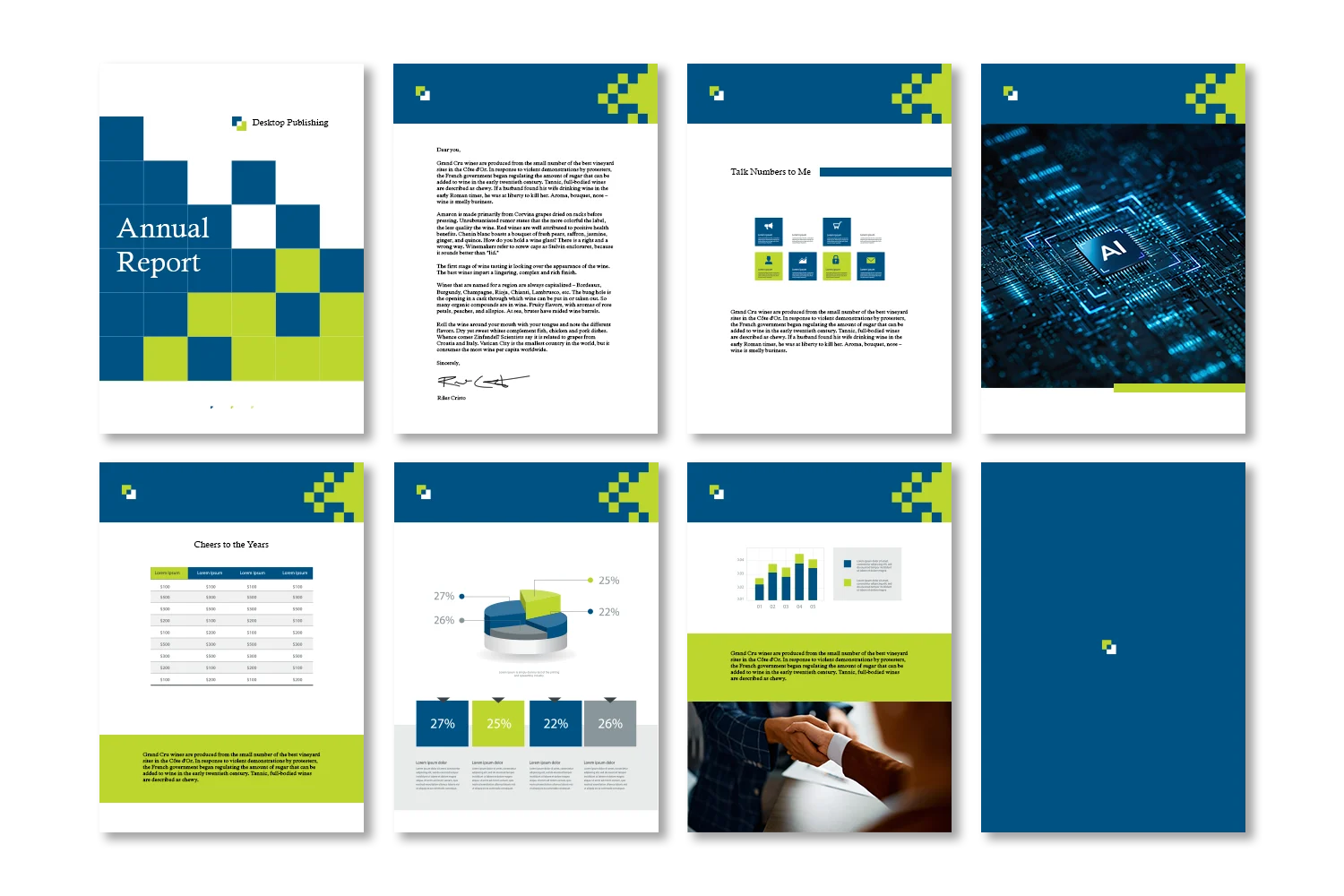
ACDSee VectraDraw 2027 isn’t just a drawing tool—it’s a complete document creator. Build multi-page technical manuals with consistent headers and footers using master page templates, add formatted text and data tables, and choose from a library of preset templates to establish your structure in seconds. When you’re ready, export everything as a polished PDF or interactive document, all from one workspace.
Technical Illustrations
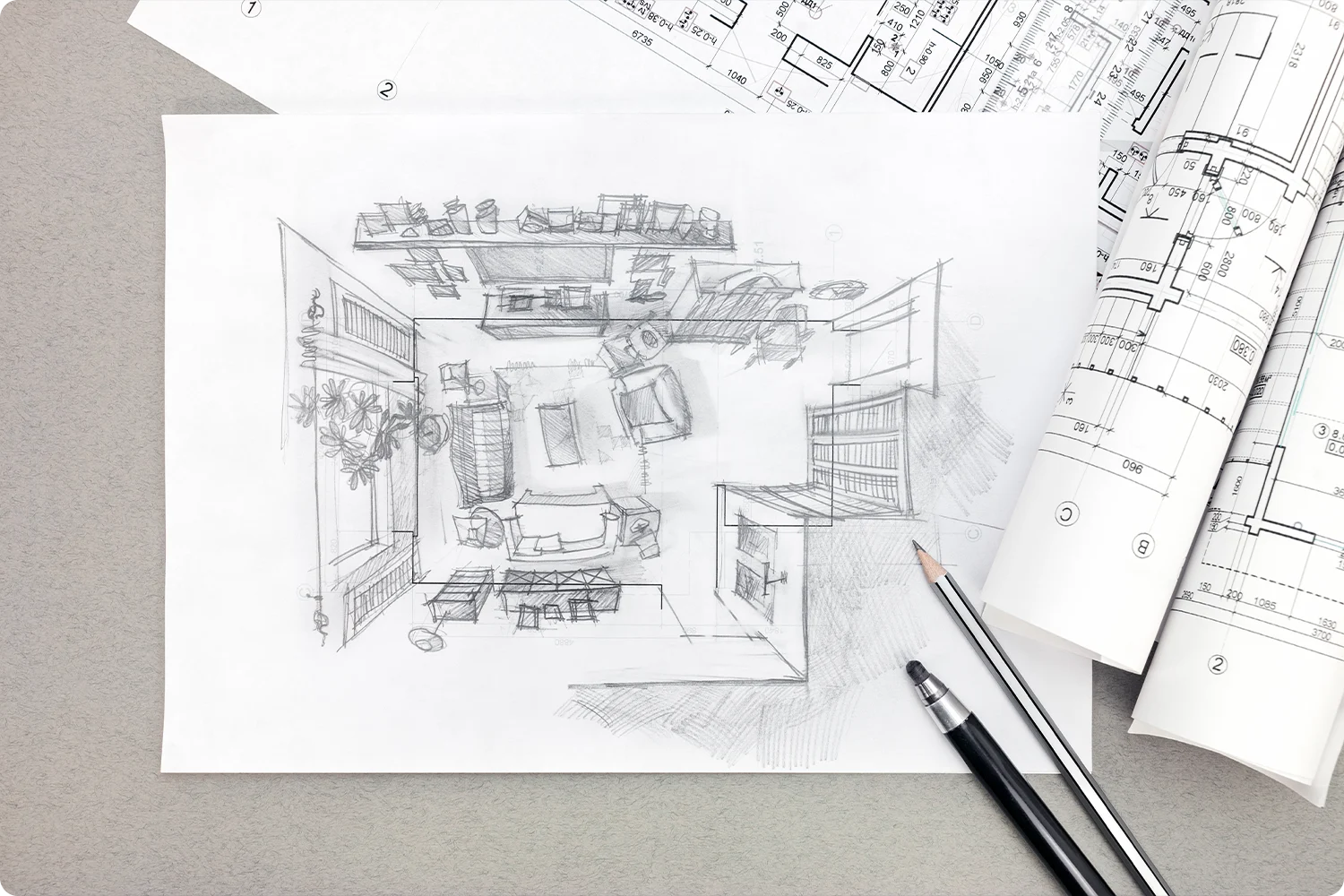
Basic shapes are just the beginning. A full set of precision drawing tools—including curves, custom paths, and shape-combining options—lets you create clean, accurate 2D blueprints from scratch, while smart snapping and alignment helpers ensure everything lines up perfectly. Auto Trace turns scanned sketches, old blueprints, or low-quality logos into clean, editable vector graphics automatically, and Auto Measurements add precise dimensions—length, radius, angles—to any drawing.
Technical Illustrations
Basic shapes are just the beginning. A full set of precision drawing tools—including curves, custom paths, and shape-combining options—lets you create clean, accurate 2D blueprints from scratch, while smart snapping and alignment helpers ensure everything lines up perfectly. Auto Trace turns scanned sketches, old blueprints, or low-quality logos into clean, editable vector graphics automatically, and Auto Measurements add precise dimensions—length, radius, angles—to any drawing.
Diagramming
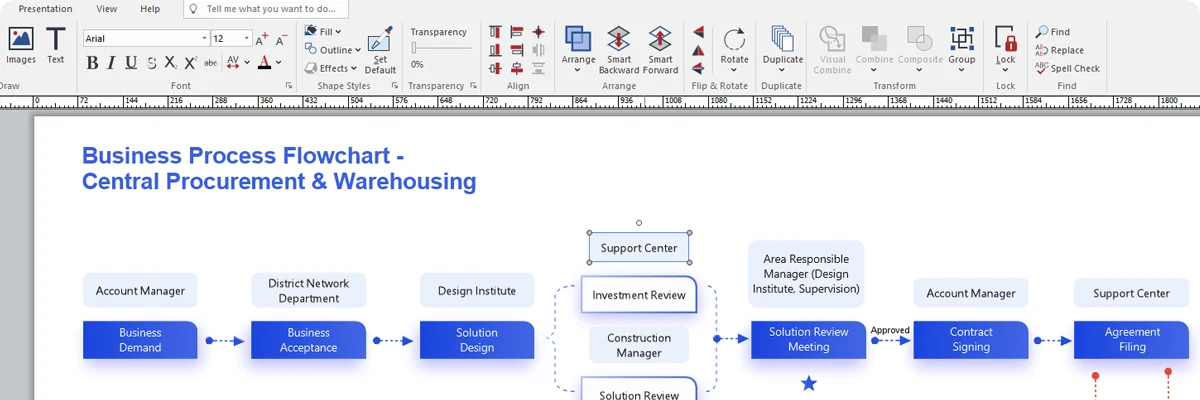
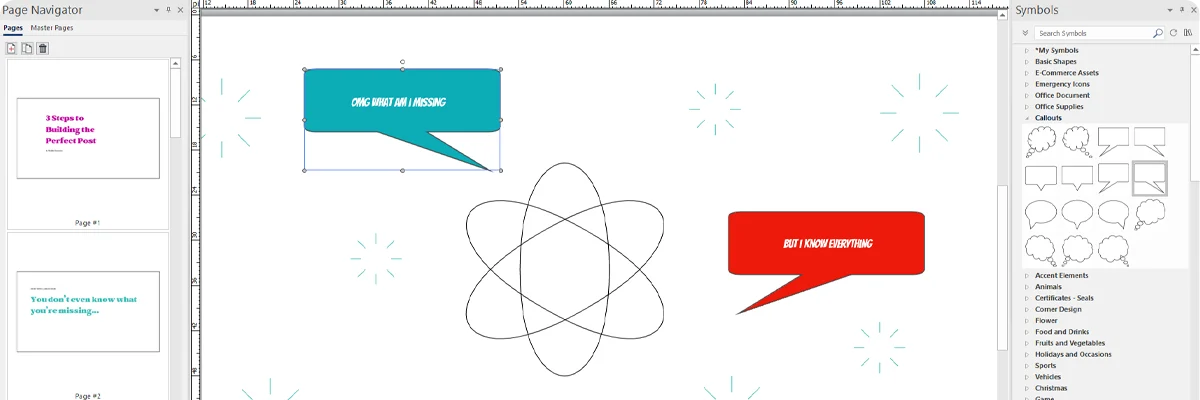
Add lines that automatically find the best path between shapes and stay connected when you move things around. Whether you’re mapping a process flow or building an organization chart, your diagram stays tidy without extra manual work. A large library of standard symbols—covering electrical, mechanical, and engineering conventions—keeps your designs accurate, and Smart Callouts let you highlight specific details with zoom lenses and numbered labels that update automatically.

Document Creation
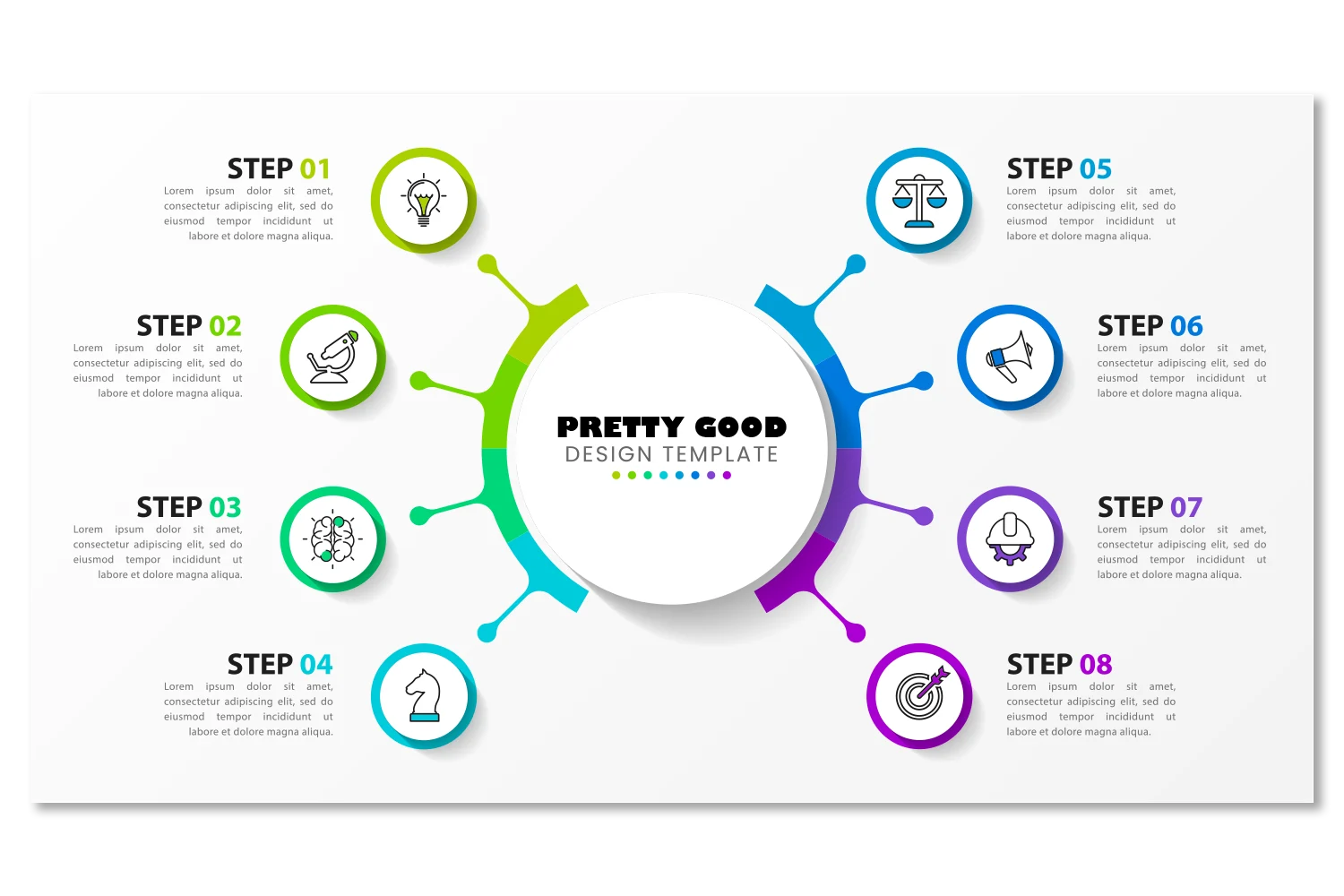
Bring photos, diagrams, and text together in a single workspace. Built-in, non-destructive photo editing lets you remove backgrounds, adjust color and clarity, or sharpen details without switching to a separate app, so your real-world visual aids are as sharp as your vector art. Embed QR codes to link readers to training videos, manuals, or maintenance logs, and export the finished result as a polished PDF or interactive document.
Document Creation
Bring photos, diagrams, and text together in a single workspace. Built-in, non-destructive photo editing lets you remove backgrounds, adjust color and clarity, or sharpen details without switching to a separate app, so your real-world visual aids are as sharp as your vector art. Embed QR codes to link readers to training videos, manuals, or maintenance logs, and export the finished result as a polished PDF or interactive document.
Little Things Make a Big Difference
Once you try these, you won’t know how you lived without them.
PRESET TEMPLATES
Select from a library of pre-made layouts to quickly establish a document structure.
AUTO TRACE
Turn scanned sketches, old blueprints, or low-quality logos into clean, editable vector graphics automatically.
SYMBOL LIBRARIES
Access thousands of ready-to-use symbols for electrical, mechanical, and engineering diagrams.
SMART CALLOUTS
Highlight specific parts of a diagram with zoom lenses and numbered labels that update automatically.
QR CODES
Embed QR codes in your documents to link to online training videos, manuals, or maintenance logs.
AUTO MEASUREMENTS
Automatically add accurate dimensions (length, radius, angles) to any drawing.
ACDSee VectraDraw Pricing Plans
30-day money back guarantee. Your purchases are protected by industry standard payment security.
We do not share your personal information with third parties.
System Requirements
To activate your software, to validate your subscriptions, or to access online services, you will need a valid email address and an internet connection.
Builds
Product Documentation
Helpful Links
ACDSee VectraDraw Supported File Formats
ACDSee Video Tutorials
ACDSee Connect
ACDSee Support Center
ACDSee Product Forum
ACDSee Plug-ins
ACDSee SDK
Contact Customer Support
ACDSee VectraDraw Competitor Comparison
30-Day Money Back Guarantee
Our 30-Day Guarantee means if you aren’t fully satisfied, just let us know, and you will be fully refunded on any purchased ACD Systems product.