Work faster with ACDSee Pro for Mac
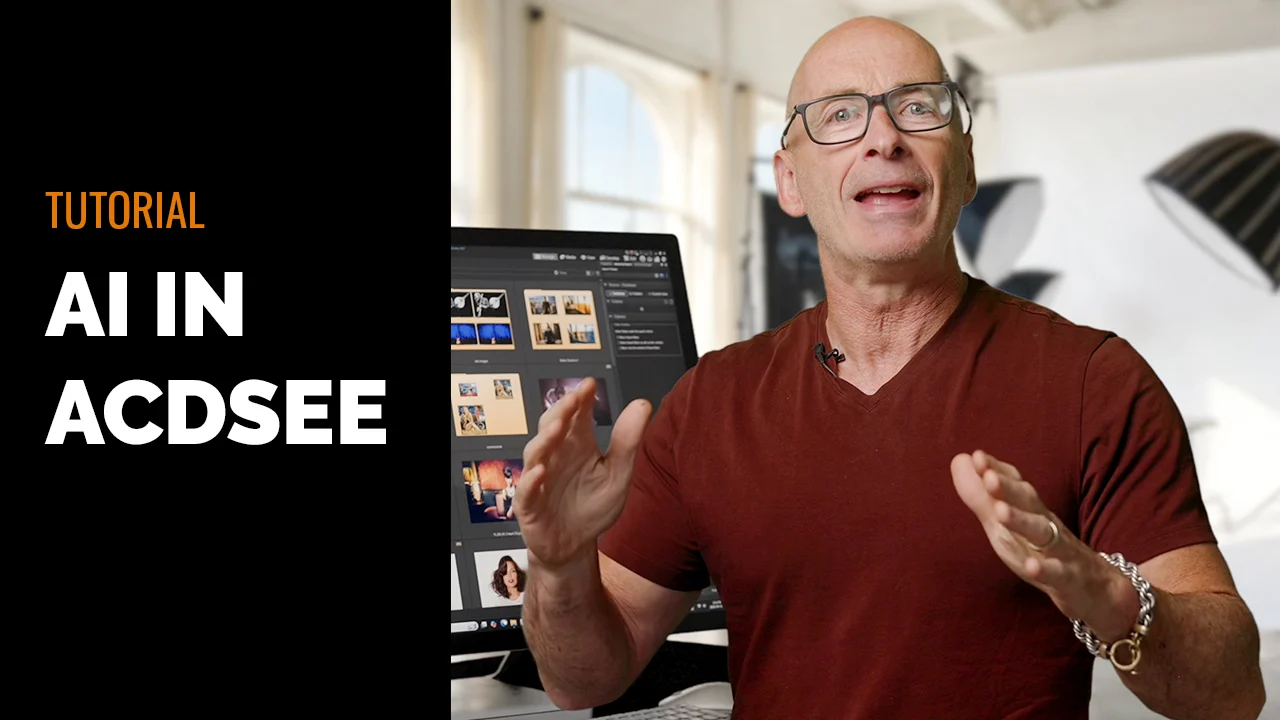
Accelerate your photography workflow with ACDSee Pro for Mac. Manage and view your images with speed and ease. ACDSee Pro is the photography software with the flexibility to adapt to the way you work; helping you optimize every aspect of your workflow. Watch a video overview of ACDSee Pro for Mac.
You do not have flash installed.
Top Features Include
- Speed you expect from ACDSee products
- Built from the ground up for Mac
- Flexible image management
- Direct access to images on hard drive and connected devices
View and Review Quickly
View images at unparalleled speeds with ACDSee Pro for Mac.
With ACDSee’s proprietary image viewing technology, you’ll see any image immediately - even large, high resolution photos. View over 40 file types, including common RAW formats.
Display your photos in full screen for maximum impact
Quickly review one photo, or a series of photos. Scan through selected images at the click of an arrow key. Use View mode’s filmstrip window to help you remain oriented within a large group of files. Easily rate and tag photos while you review.
What’s New in Beta 1.2
Want to see what’s new? Watch a video of some of the new features in Beta 1.2.
Beta 1.2 includes a new batch workflow tool, quick search and additional improvements to save you time.
All of our batch tools are conveniently located in a single, customizable Batch Workflow tool. With this, you can create a specific workflow and save those actions as a preset. Once saved, that preset can be applyed again and again. Include in the tool are Adjust Time Stamp, Change Format, Copy, Move, Rename, Resize, and Set Information.
The Quick Search tool helps you locate your assets quickly and easily by allowing you to search your ACDSee database in a variety of ways, including using Boolean logic. Plus, for those Spotlight power users, you now have access to Spotlight Search, ensuring you can quickly find all of your files already indexed by Spotlight.
Download Beta 1.2 for these new features and more.
Previous beta releases
ACDSee Pro for Mac is being built from the ground up for Mac OS X. Development is fueled by feedback reported by users like yourself on the ACDSee forums.
Delighted! I am really pleased with this software. Just what I was after. Love everything about it and am sure any future developments will be well worth the wait. Well Done!!
Nicholas Hallam, Bird Photographer, Oxford, UK
Improved Features in Beta 1.1:
- "Quick Look" Integration: With "Quick Look" integration, you can now preview multiple file formats in a pop-up window using the OS' Quick Look feature. You can also take advantage of third party Quick Look plug-ins to preview other file types.
- Dual Monitor Support: Now full screen and the pop-up window can be moved to a separate monitor.
- Mouse Wheel Support: With mouse wheel support, experience greater ease viewing in filmstrip and full screen and navigating the application using your mouse wheel.
- Open with External Application: Now easily open any item in another application from ACDSee Pro for Mac, providing extended flexibility for your workflow.
- Workflow Improvements: Beta 1.1 included new options that allow you to choose how you prefer to navigate through the application including moving from Manage to View mode and back, and showing images in full screen.
- Improved Status Bar: With the improved Status Bar, now see image dimensions and longer filenames at a glance offering greater visibility of your important information.
- Manual Refresh: Manually refresh your file list for greater control.
- Folders Pane Scanner Progress: The new Folders Pane Scanner Progress provides you with improved feedback and performance when ACDSee is scanning a folder, generating thumbnails and retrieving metadata in the Folders pane. It’s especially helpful when moving between several large folders.
Workflow Improvements and Fixes:
On the ACDSee Forums, Beta testers provided feedback on their preferences for moving through the application plus issues they encountered along the way. These improvements and fixes in Beta 1.1 included:
- Fixed! - Image dimensions for auto-rotated images now show correctly
- Fixed! - Folder tree is now updated when applying batch operations to the folder
- Fixed! - GPS Latitude and GPS Longitude now read in hours/minutes/seconds